



All of Moon AI, plus what a browser can’t do.
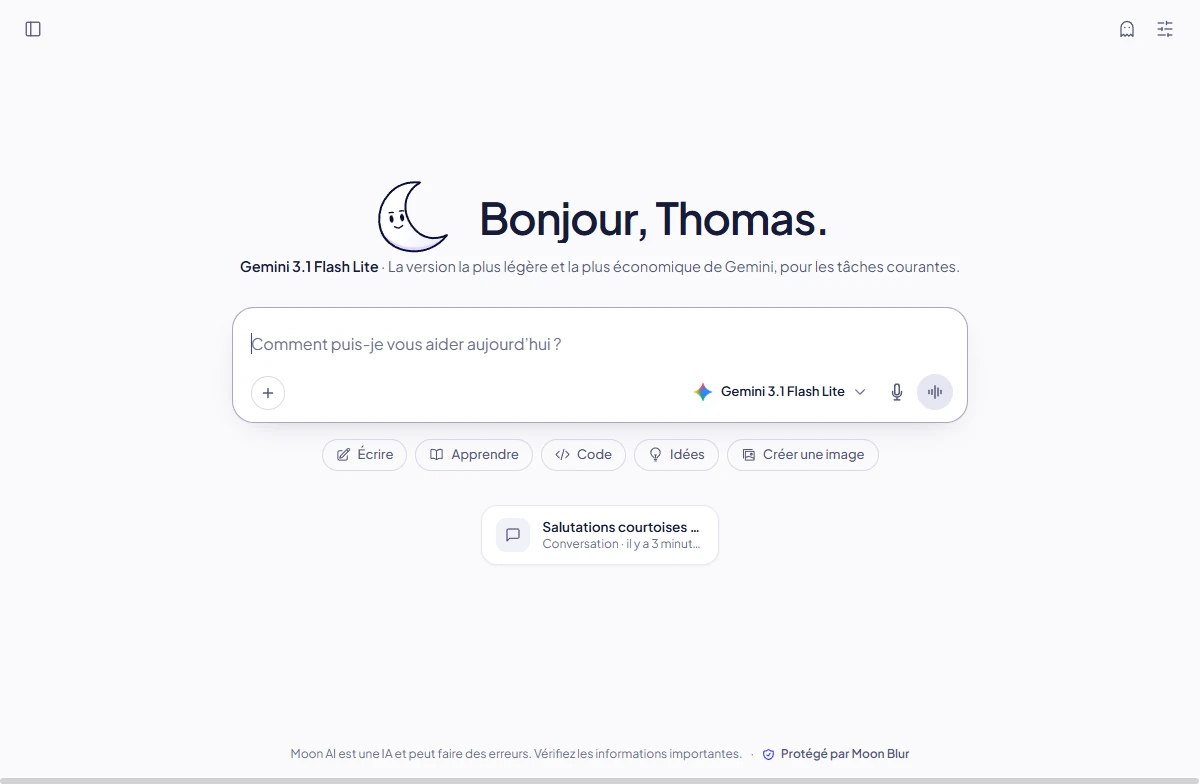
Chat, in a real window
Every Moon AI feature, with your account and your conversations. A new window with Ctrl N (⌘ N on Mac), system notifications and the badge for actions to approve.
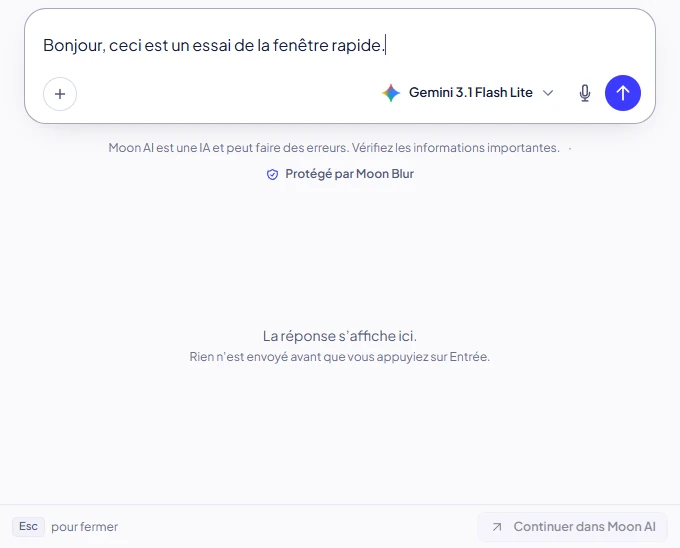
The quick window
Alt Space (Option Space on Mac) opens a small window on top of your apps, for a question without leaving what you are doing. Esc hides it.
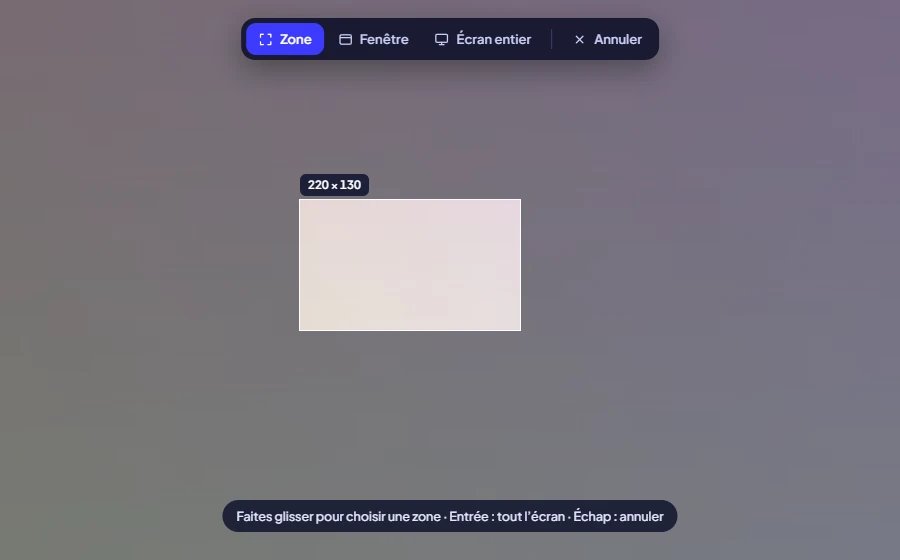
Screen capture
Ctrl Shift Space (⌘ Shift Space on Mac), or the + button in the input box: an area, a window or the whole screen, attached to your message. Nothing is sent until you click Send.
Code, with Moon CLI
Moon CLI works in a folder on your computer: it reads and edits code, runs commands and uses your connectors, asking for your approval along the way.
Code works on your computer.
- Code runs on your computer: the agent works in the folder you choose, and your files are not copied to Moon AI’s servers. Moon AI only receives the folder name.
- What the agent sends to the model goes through Moon AI, as with Moon CLI, with Moon Blur according to your setting or your workspace rule.
- A screen capture stays in the message box until you send it, and is never written to disk.
- Moon Desktop shows Moon AI as it is: same account, same settings and same hosting in France as chat.realmoon.ai.
Choose your system.
This page suggests the right file for your computer. Moon Desktop 2.5.0 updates itself, except the portable Windows version and the .deb package.
 Windows
 macOS
 Linux
On Windows, the installer and the portable version are signed by STELLARR STUDIO. At first, SmartScreen may still ask you to confirm: check that the publisher shown is STELLARR STUDIO. Learn more.
On Mac, Moon Desktop is notarized by Apple. The first time, macOS may ask you to confirm, as with any app downloaded from the internet: click Open. Learn more.
SHA-256 checksums of the Moon Desktop files: Windows and Linux (2.5.0) and macOS (2.5.0), to verify a download: see Verify a file.
What you need.
- Windows
- Windows 10 or 11, 64-bit (x64). Installs for your account, with no admin rights.
- macOS
- A Mac with Apple Silicon or Intel. One app for both.
- Linux
- 64-bit (x64) distribution. AppImage, with the FUSE 2 library, or .deb package for Debian and Ubuntu.
- Everywhere
- An internet connection and a Moon AI account. For Code, Moon CLI 0.3.0 or later (included on Windows and Linux, downloaded by the welcome assistant on Mac) and a plan that includes it.
No account yet?
Moon Desktop works with your Moon AI account. The Free plan needs no credit card.